Give each project a place for answers.
Publish answers at yourproject.mvpkit.net or on your own subdomain, like help.yourproject.com. Send a link instead of writing the same reply again. How to set up a help center ↗
For people building products
Every product needs a help page, a contact form, a place for ideas and a waitlist. Whether you run one product or many, MvpKit gives them these basics in one account: set them up once, then manage every project from one place.
ONE PLACE FOR ALL YOUR PROJECTS
Add each product as a project. Each gets its own help page, inbox, ideas board and waitlist, with its own address.
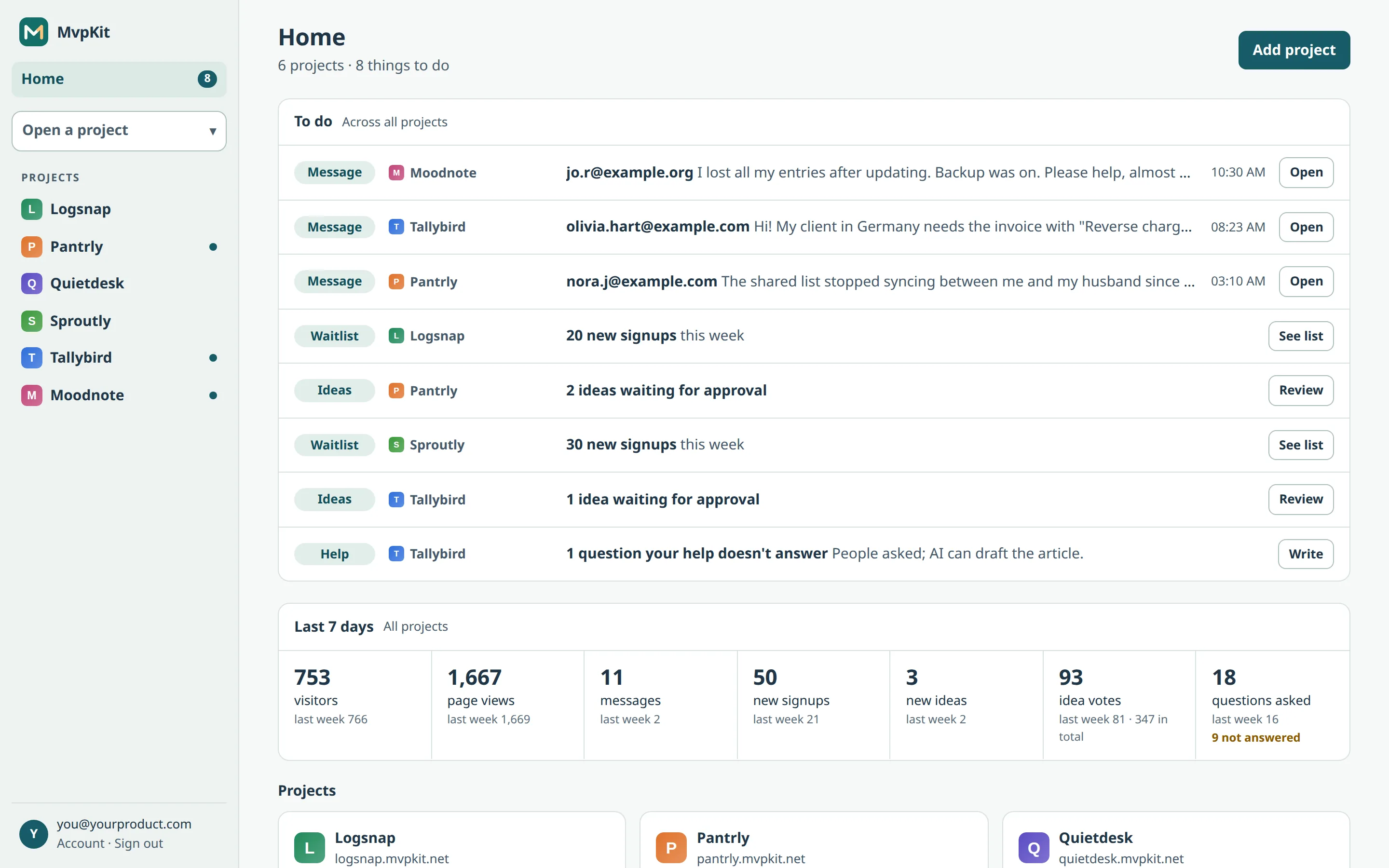
Home shows new messages, ideas waiting for approval and new signups from all projects in one list. No checking five dashboards.
Starting another product? Add a project and pick its features. No new forms, inboxes or spreadsheets to build.
WHAT MVPKIT DOES
Publish answers at yourproject.mvpkit.net or on your own subdomain, like help.yourproject.com. Send a link instead of writing the same reply again. How to set up a help center ↗
Use the form on your help page, embed it on your site, or both. See the latest 10 messages across projects on your dashboard; open a project for its full inbox and reply by email. How to add the form ↗
Each project gets a public ideas board. People suggest ideas and vote, no account needed. You approve suggestions before they show, and the most-voted ideas are on top.
Collect early-access emails for each project and see its signups in your workspace. When you start another product, you don't need another spreadsheet to track them.